Recipes are the building blocks of your menu. Creating a well-structured recipe ensures accurate food labelling, compliance with regulatory standards, and unlocks key features like nutritional panels, dietary tags, and scalable recipe cards.
Each recipe includes detailed fields that not only support kitchen production but also determine how the item appears to customers and what information is printed on their labels.
Taking the time to complete each component properly means your recipes will:
This guide will take you through the full process, from adding your recipe details and ingredients, to setting your yield, prices and customer instructions.
Tip: You don't need to complete your recipes all at once. You can Save draft at any time and come back to finish it later.
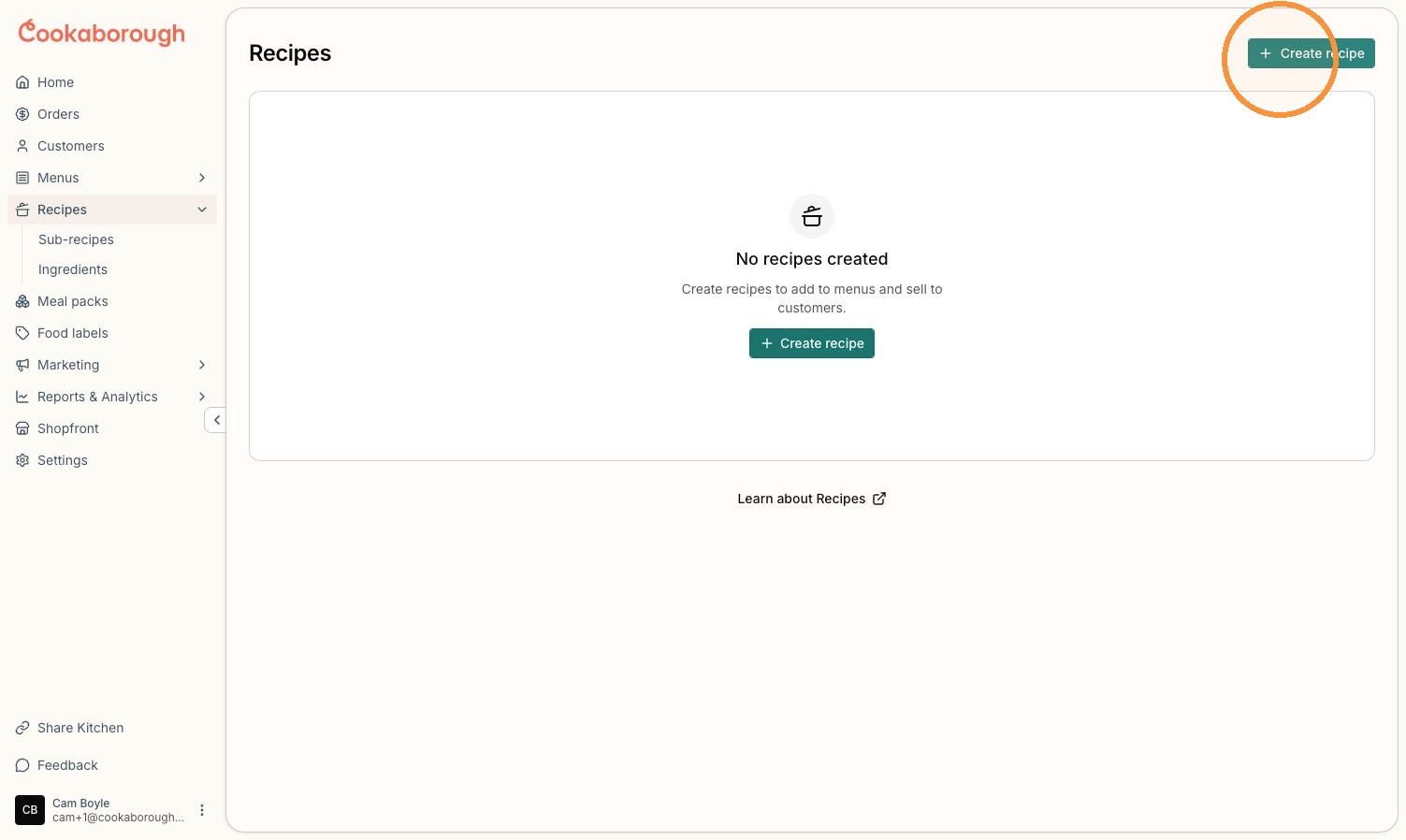
Go to Recipes and select Create recipe.
This will open the Recipe Builder, where you can work through each section of your recipe.
Start by entering your: